Best Gaming Mice for MacBook: Bluetooth, USB, Wired
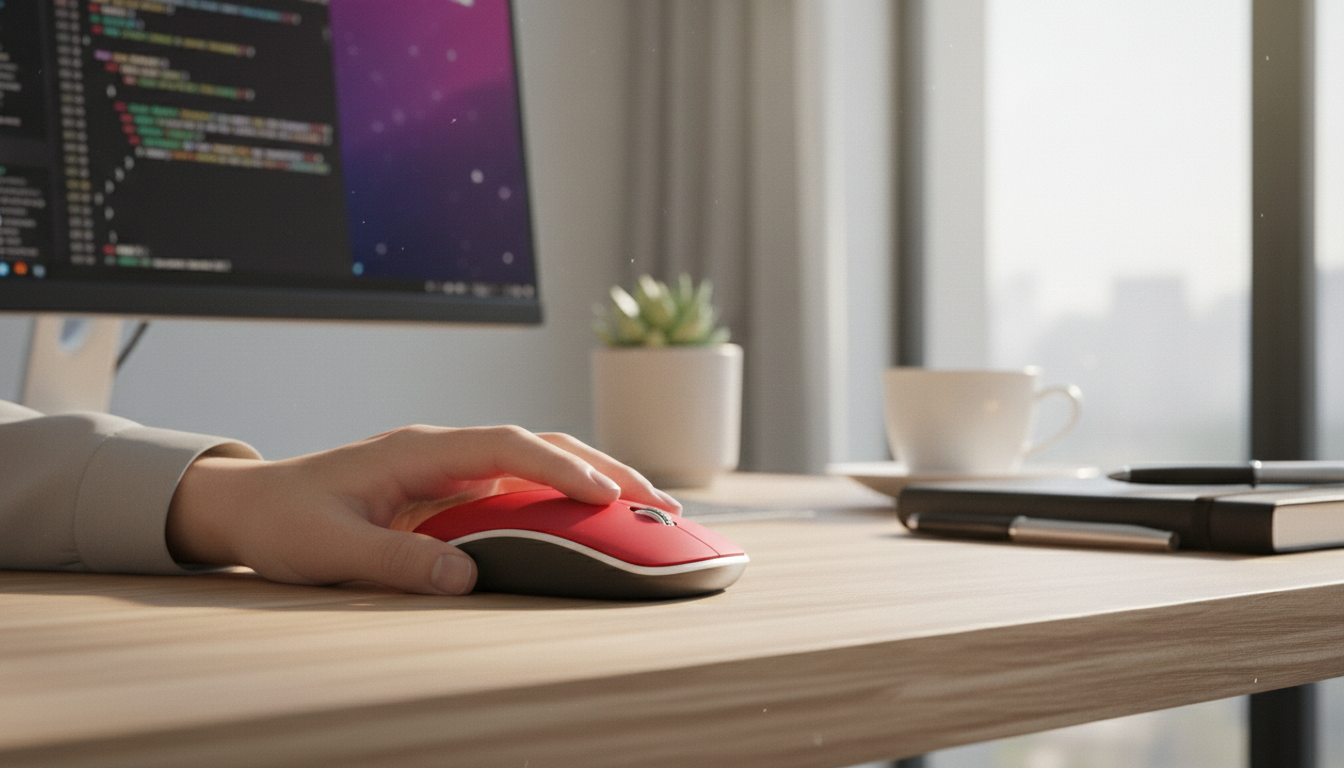
What gaming mice work with a MacBook?
Gaming mice that work well with a MacBook typically share three traits: they connect cleanly over Bluetooth or a USB receiver, they’re comfortable for longer sessions, and their buttons/sensors behave reliably in macOS. Most modern gaming mice will move the cursor and click right away, but the “best” options are the ones that don’t depend on Windows-only software just to feel good in everyday use.
Connection types that play nicely with MacBook
Bluetooth gaming mice are the simplest for MacBooks with limited ports, and they’re great when you want a clean setup on the go. 2.4GHz wireless mice with a USB-A receiver can feel more responsive; on newer MacBooks you’ll usually use a USB-C adapter or hub. Wired USB mice are the most straightforward for consistent performance, but they add cable drag unless you use a bungee or route the cable carefully.
What macOS supports (and what can be hit-or-miss)
macOS reliably supports basic features like left/right click, scroll wheel, and pointer tracking for nearly any USB or Bluetooth mouse. Where compatibility can get tricky is advanced button mapping, onboard profiles, macros, RGB control, and high-polling-rate tweaks. If you want extra buttons to work without extra fuss, choose a mouse that stores settings onboard or that can be mapped through macOS-friendly tools.
What to look for when choosing a gaming mouse for MacBook
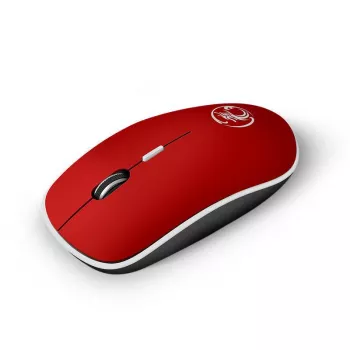
For the smoothest experience, prioritize: a comfortable shape for your grip style, an accurate sensor (even at moderate DPI), a solid scroll wheel, and at least 4–6 programmable buttons if you play MMOs or use productivity shortcuts. If you game late or share space, consider quiet switches—our team put together a dedicated guide to a silent option here: quiet 4-button wireless mouse for Mac with mute clicks.
Quick recommendations by use case
Travel + casual gaming: Bluetooth models with good battery life and a compact build. Competitive play: lightweight 2.4GHz or wired mice with a dependable sensor and consistent clicks. Work + play: a multi-button mouse that feels ergonomic and keeps button functions stable in macOS.
FAQ
Do gaming mice work on iPad with a keyboard?
Many gaming mice work on iPadOS if they support Bluetooth, since iPads don’t typically accept standard USB receivers without extra adapters and power considerations. For the simplest setup, use a Bluetooth mouse and pair it in iPad Bluetooth settings.













Leave a comment