Apple Pencil Cover: Pros, Cons, and Best Fit Tips
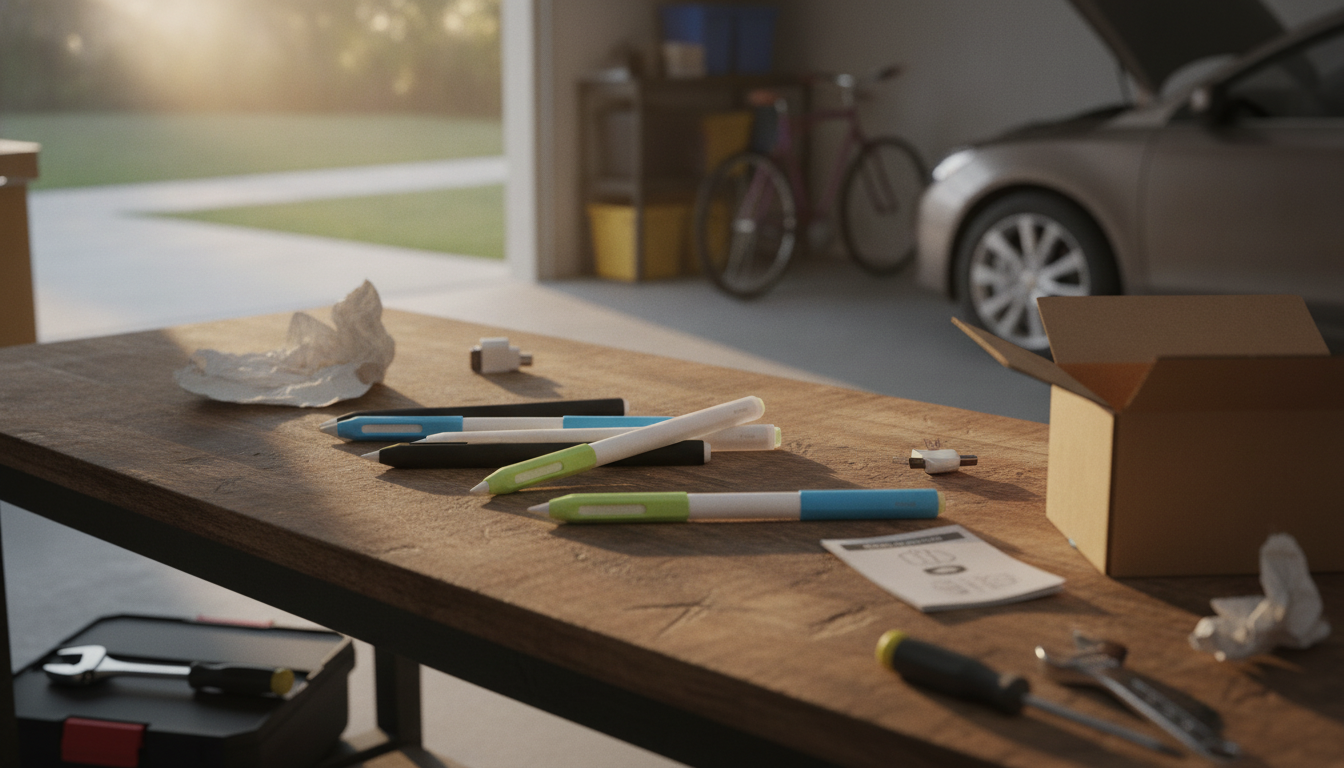
Should I put a cover on my Apple Pencil?
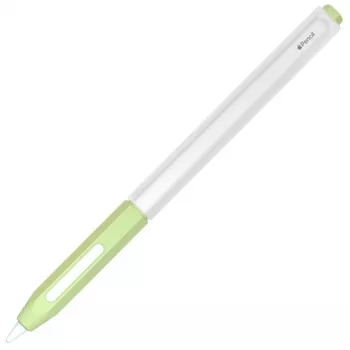
Putting a cover on an Apple Pencil is usually a good idea if you want more grip, less slipping, and extra protection from everyday drops and desk dings. A slim sleeve can also make long note-taking sessions more comfortable, especially if the Pencil feels too slick or thin in your hand. The main downside is that some covers can interfere with charging, pairing, or the magnetic attachment on compatible iPads, so the right fit matters.
When a cover makes the most sense
A cover is worth it if your Apple Pencil tends to roll off your desk, feels uncomfortable during long use, or gets tossed into a bag with keys and chargers. Many sleeves add light cushioning that helps prevent cosmetic scuffs and may reduce the chance of damage from short falls. If you use the Pencil for drawing, a grippier surface can improve control by reducing hand fatigue and micro-slips.
When you might skip the cover
If you rely on magnetic charging and storage (for example, Apple Pencil 2nd generation on certain iPad models), a thick cover can weaken the magnet connection or block charging. Some cases also make it harder to double-tap (on supported models) or can shift while you draw, which is distracting. If your Pencil lives mostly on a desk and you rarely carry it around, going without a cover can keep everything simple and seamless.
What to look for in a good Apple Pencil cover
Choose a sleeve that specifically lists compatibility with your Apple Pencil generation and your iPad’s charging method. Look for a thin profile around the flat edge (for magnet charging models), a snug fit that won’t twist, and a material that doesn’t attract lint. If you want extra stability, consider a cover with a subtle flat side or an anti-roll design—just make sure it doesn’t interfere with docking or charging.
For more detail on compatibility trade-offs and cover types, read the complete guide here: https://grandofferhall.shop/should-i-put-a-cover-on-my-apple-pencil/.
FAQ
Can an Apple Pencil cover affect wireless charging?
Yes. Thicker covers can prevent proper contact with the iPad’s magnetic charging area or weaken the connection, so a slim, compatible sleeve is the safest choice.














Leave a comment