Universal Stylus Pen for iPad & iPhone: No-Pair Control
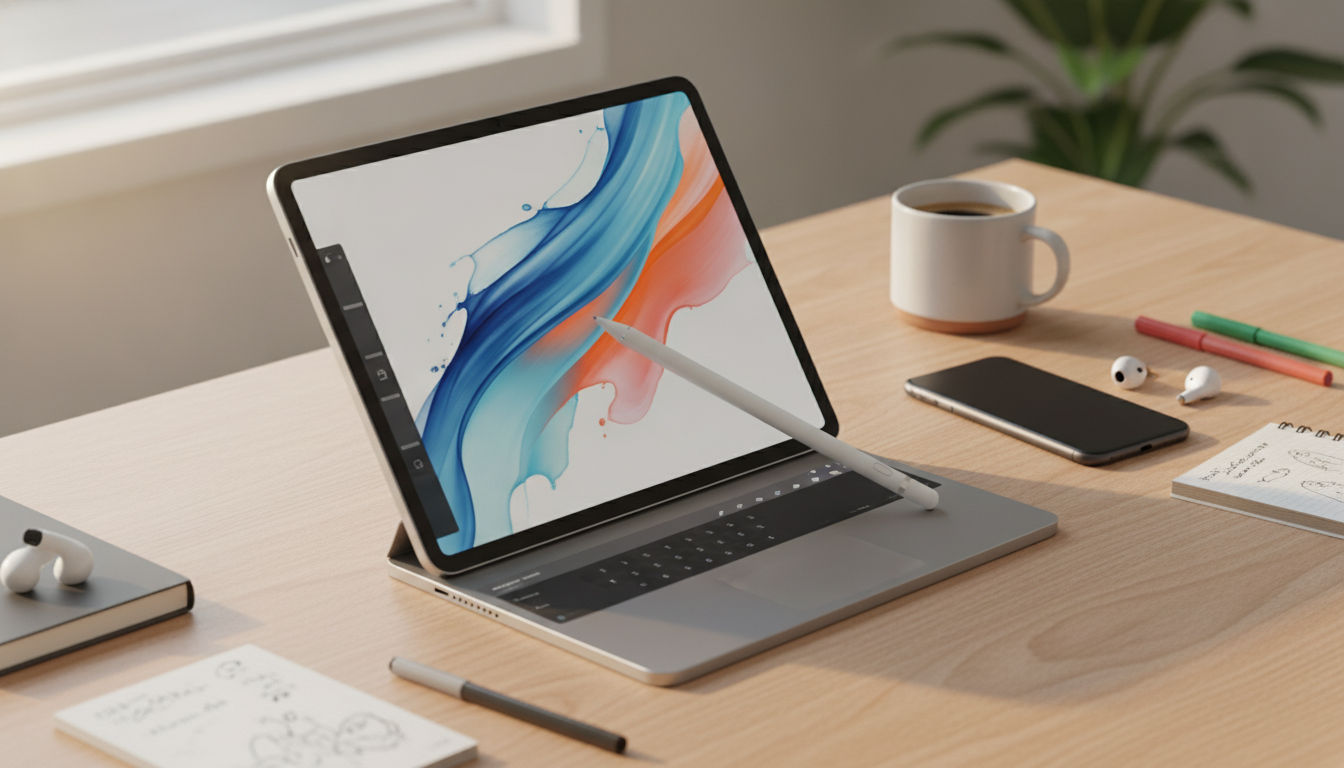
Universal Stylus Pen for iPad and iPhone: Simple, Smudge-Free Touch Control
A universal stylus is an easy upgrade for everyday iPad and iPhone use: cleaner scrolling, more precise taps on small buttons, and quick handwriting without fingerprints all over the screen. Unlike active pens (such as Apple Pencil), a universal stylus is designed to work immediately with most capacitive touchscreens—no pairing, charging, or device-specific compatibility charts to worry about. That makes it a practical choice for quick notes, basic forms, casual sketching, and day-to-day navigation.
Below is what a universal stylus can (and can’t) do, plus tips to get smoother results in notes and drawing apps.
What a universal stylus does (and doesn’t do)
Universal styluses are built for capacitive touchscreens—the same kind used on iPhone and iPad. They mimic a fingertip so the screen recognizes contact, but with a pen-like shape that improves control for many everyday tasks.
- Works with most capacitive touchscreens, including iPad and iPhone, with no pairing required.
- Best for everyday tapping, navigation, handwriting practice, and casual drawing apps.
- Typically does not offer Bluetooth shortcuts, pressure sensitivity, or tilt shading found in active styluses (such as Apple Pencil).
- Line thickness in drawing apps is usually controlled by the app’s brush settings rather than pressure input.
If you’re comparing against Apple Pencil specifically, it helps to review Apple’s official guidance on features and compatibility: Apple Support: Use Apple Pencil with iPad and Apple Pencil compatibility.
Who it’s best for
A universal stylus is a “grab-and-go” accessory—ideal when convenience and broad compatibility matter more than pro-level pen features.
- Students and families sharing devices who want a simple pen-like pointer for basic tasks.
- Anyone who prefers a cleaner screen while scrolling, tapping small UI elements, or signing documents.
- Travel and commute use: quick notes, lists, calendar edits, and light annotation without extra setup.
- Backup stylus to keep in a bag when an active stylus is unavailable or charging.
Comfort and control tips on iPad and iPhone
Because a capacitive screen is sensitive, small technique changes can noticeably improve accuracy and comfort.
- Use a lighter grip than with a real pen; capacitive screens register contact easily, so pressing hard can reduce accuracy.
- For better handwriting, zoom in (many note apps support zoom writing areas) and slow strokes slightly to reduce jitter.
- If taps don’t register, ensure the screen is clean and dry; oils and moisture can affect touch response.
- Keep the stylus tip clean; debris on the tip can create skipping or uneven glide on glass.
On iPhone in particular, consider writing in landscape mode and using app zoom tools—more room makes it easier to form letters without cramped strokes.
At-a-glance comparison: universal stylus vs active stylus
Choosing between a universal stylus and an active stylus is mostly about your main task. Universal styluses prioritize instant use and broad device support. Active styluses prioritize precision features for serious note-taking and illustration workflows.
| Feature | Universal stylus (capacitive) | Active stylus (e.g., Apple Pencil-class) |
|---|---|---|
| Setup | No pairing; works immediately | May require pairing/charging; device/app support varies |
| Precision | Good for general use; depends on tip size and technique | High precision designed for handwriting and art |
| Pressure/tilt | Typically not available | Often available (model-dependent) |
| Palm contact | May register accidental touches depending on settings | Often better palm handling with supported devices/apps |
| Best use | Navigation, forms, basic notes | Drawing, detailed notes, pro apps |
How to get better results in notes and drawing apps
Even without pressure sensitivity, a universal stylus can feel smoother and more “pen-like” with a few app and setup adjustments.
- Turn on any app features that smooth lines or stabilize strokes for neater handwriting and sketching.
- Use thicker digital pens or brush sizes to make handwriting more legible if the tip is broad.
- For iPhone, rotate to landscape and zoom in to increase writing area and reduce cramped strokes.
- Consider adding a matte screen protector if glare or slick glass makes control feel slippery (this changes the feel and can slightly reduce clarity).
If you’re signing PDFs or filling out forms, try a slightly thicker stroke so signatures look continuous and intentional, especially on smaller screens.
Quick product snapshot
If the goal is straightforward touchscreen control without extra setup, this option keeps things simple.
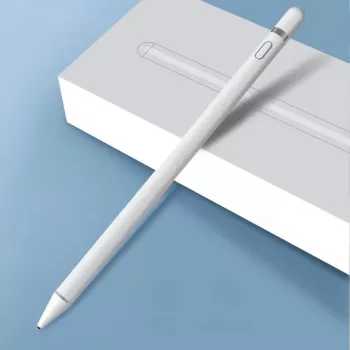
- Product: Universal Stylus Pen for iPad, iPhone
- Price: $11.51
- Availability: In stock
- Use case focus: simple, everyday touchscreen control without extra setup
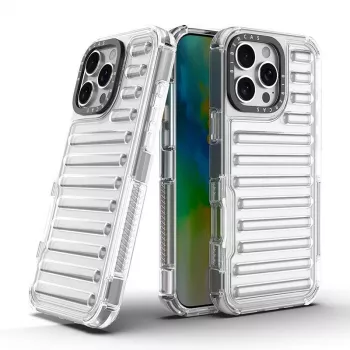
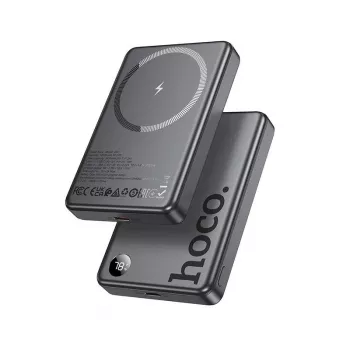
More everyday accessories (in stock)
If you’re refreshing a daily-carry setup, these in-stock accessories pair well with Apple devices and make convenient add-ons.
Care, storage, and longevity
Universal styluses are low maintenance, but a little care helps them feel consistent over time—especially the tip’s glide on glass.
FAQ
Will a universal stylus work on both iPad and iPhone?
Yes—universal styluses typically work across iPad and iPhone because they’re designed for capacitive touchscreens and don’t require pairing. Features like pressure sensitivity and advanced palm rejection are usually not included.
Is a universal stylus good for handwriting notes?
It’s a solid choice for basic notes, handwriting practice, lists, and simple annotations, especially when you zoom in and enable line smoothing in your app. For very precise handwriting or detailed artwork, an active stylus may feel more natural.
Why does my stylus skip or feel inaccurate sometimes?
Skipping is often caused by a dirty or damp screen, oils on the glass, pressing too hard, or debris on the stylus tip. Cleaning the screen and tip, slowing your strokes, and increasing brush size or smoothing in the app can help.













Leave a comment