60W USB-C to USB-C Cable for iPhone: Fast Charge & Fit
60W USB-C to USB-C Fast Charging Cable for iPhone: What It Does, Compatibility, and Safe Fast Charging
A USB-C to USB-C cable can simplify charging and data connections across modern adapters, power banks, and laptops. A 60W-rated cable is built to handle higher power safely, which makes it a versatile pick for newer USB-C iPhones and other USB-C devices. Below is a clear breakdown of what a 60W cable supports, how to confirm iPhone compatibility before buying, and how to use USB-C Power Delivery (PD) reliably day to day.
What this cable is designed to do
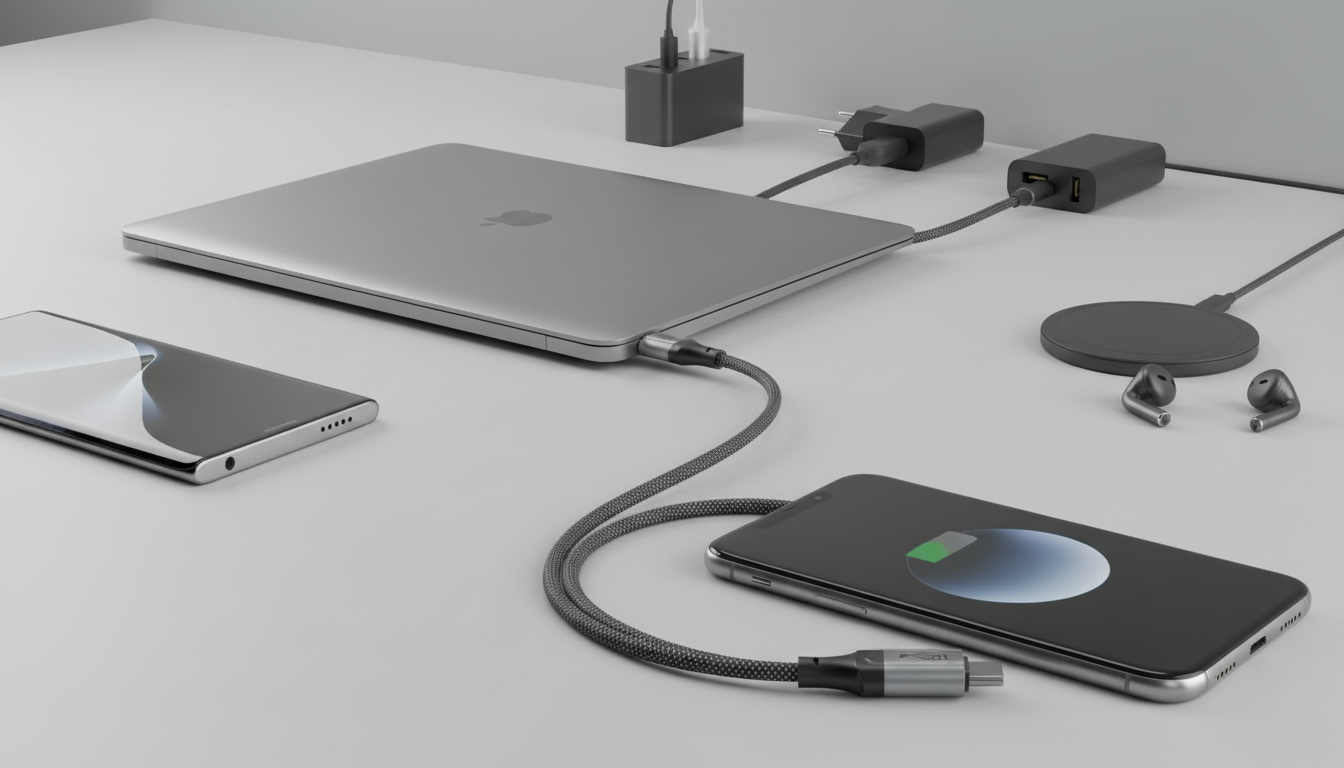
A 60W USB-C to USB-C cable is made for the increasingly common USB-C ecosystem—wall chargers, car chargers, hubs, portable batteries, and laptop USB-C ports. When paired with a USB-C Power Delivery charger and a compatible device, it can support fast charging while keeping power delivery controlled through PD negotiation.
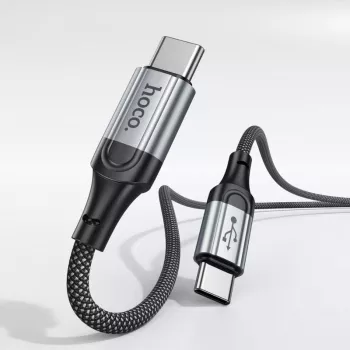
- USB-C to USB-C connection for use with USB-C wall chargers, car chargers, hubs, and power banks
- Supports fast charging when paired with a USB-C Power Delivery (PD) charger and a compatible iPhone setup
- 60W rating indicates the cable can handle up to 20V/3A in supported PD profiles (actual charging depends on the device and charger)
- Useful for daily charging, travel kits, desk setups, and backup cables
If you’re shopping for a dependable everyday option, consider the 60W USB-C to USB-C Fast Charging Cable for iPhone—a straightforward choice for USB-C charging setups at home, at work, or on the go.
iPhone compatibility checklist (important before buying)
Before purchasing, match the cable type to your iPhone’s port. USB-C to USB-C is ideal for USB-C iPhone models, while Lightning iPhones generally need a different cable for the best charging experience.
- USB-C iPhone models (iPhone 15 series and later): connect directly with USB-C to USB-C chargers and accessories
- Lightning iPhone models (iPhone 14 and earlier): require a USB-C to Lightning cable for direct wired charging from a USB-C PD charger
- Using a USB-C to USB-C cable with a Lightning iPhone typically requires an adapter that accepts USB-C input and outputs Lightning—functionality varies by adapter and is not always recommended for fast charging
- For data transfer: USB-C iPhones can use USB-C to USB-C to connect to computers/hubs; Lightning iPhones generally need USB-C to Lightning for direct wired data
Not sure which iPhone you have? Apple’s guide can help you confirm your exact model: Identify your iPhone model.
Charging performance: what “60W” means in real use
The “60W” label is the cable’s capacity limit—not the power your iPhone will always pull. With USB Power Delivery, the charger and phone negotiate safe voltage/current levels; your iPhone typically draws far less than 60W and adjusts based on battery level, temperature, and system conditions.
For Apple’s official overview of iPhone fast charging requirements, see: Apple Support: Fast charge iPhone. For the underlying standard, USB-IF explains how PD works here: USB Power Delivery.
Typical outcomes with a 60W USB-C to USB-C cable (device and charger dependent)
| Setup | What to expect | Notes |
|---|---|---|
| USB-C iPhone + USB-C PD wall charger | Fast charging supported | Actual wattage varies; the phone limits draw for battery and temperature management |
| USB-C iPhone + non-PD USB-C charger | Standard charging | May charge more slowly if the charger cannot provide PD profiles |
| USB-C iPhone + laptop USB-C port | Charging and possible data | Speed depends on the laptop port’s power output and data mode |
| Lightning iPhone + this cable | Not a direct match | Usually needs a different cable (USB-C to Lightning) for best results |
| Tablet/other USB-C device + USB-C PD charger | Often faster charging | Must stay within the device’s supported PD profiles and cable rating |
Build and durability factors that matter day to day
How to use it safely with fast charging
Common issues and quick fixes
Practical pairings for an Apple-focused kit
- Keep a spare strap for workouts or travel so charging time doesn’t overlap with wearing comfort needs; consider the Corduroy Fabric Strap for Apple Watch for a soft, casual option.
- Match cable length and flexibility to where it will be used most: nightstand, car, desk, or backpack.
- If you frequently swap bands, store a backup strap in the same pouch as the cable to avoid forgotten essentials—like the Milanese Magnetic Stainless Steel Band for Apple Watch for a quick, adjustable fit.
Product details and where it fits in a daily setup
If you want one cable that can cover a USB-C iPhone today and other USB-C gear tomorrow, the 60W USB-C to USB-C Fast Charging Cable for iPhone is an easy staple to keep in your bag, desk drawer, or car console.
FAQ
Will a USB-C to USB-C cable fast charge an iPhone?
Yes for USB-C iPhone models when used with a USB-C Power Delivery charger. Lightning iPhones typically need a USB-C to Lightning cable for direct fast charging.
Does a 60W cable charge an iPhone faster than a lower-watt cable?
Not necessarily; the iPhone controls how much power it draws, and it won’t exceed what it’s designed to accept. A 60W rating mainly indicates the cable can safely handle higher power for other devices.
Can this cable be used for data transfer with iPhone?
USB-C iPhones can use USB-C to USB-C for data with compatible computers and hubs. Data capability can vary by cable design and by the connected device or port.













Leave a comment