Stop Apple Pencil Slipping: 5 Grip Fixes That Work
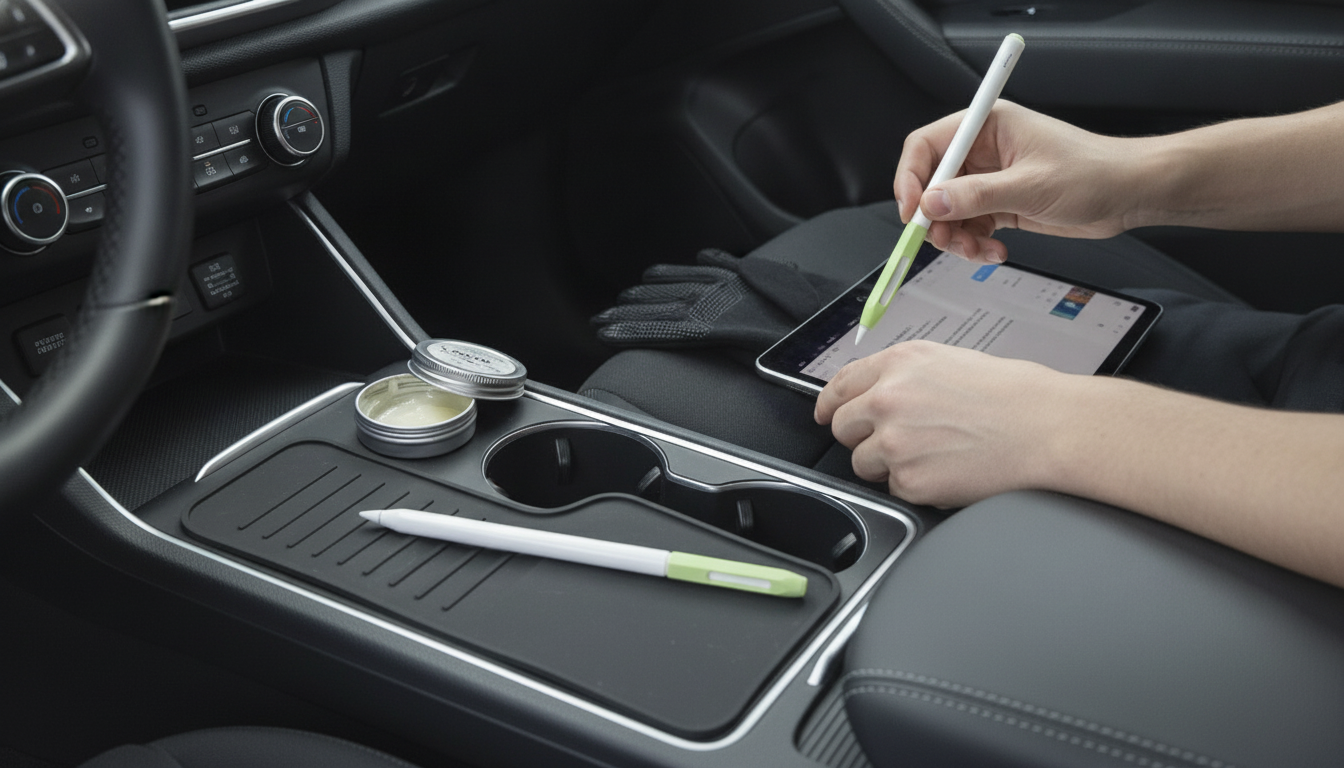
How to make an Apple Pencil feel less slippery?
If your Apple Pencil keeps sliding in your fingers, the fix is usually a combination of better grip texture, a drier contact surface, and a hold that reduces hand fatigue. Since the Pencil’s smooth finish is designed to glide, adding a little friction can make a big difference without affecting performance.
Best ways to add grip (without ruining the feel)
1) Add a silicone or rubber grip sleeve
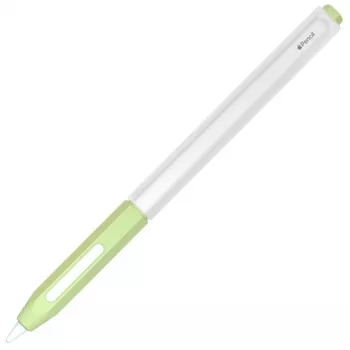
A thin grip sleeve is the quickest way to make the Apple Pencil feel less slick. Look for a sleeve with a matte or ribbed texture, and choose one that’s not overly thick so it still feels natural in your hand. If you charge your Pencil magnetically, verify the sleeve supports magnetic charging (some need to be removed).
2) Use grip tape or athletic tape for a custom texture
If you want maximum control, wrap a short section of textured grip tape where your fingers rest. Start with a small strip so it doesn’t add bulk or interfere with your hand position. Replace it when it gets shiny or oily, since worn tape can become slippery again.
3) Keep your hands and the barrel clean
Skin oils are a common cause of slipping. Wipe the Pencil barrel with a slightly damp microfiber cloth, then dry it fully. If you use lotion or hand sanitizer, give your hands a minute to dry before writing—those residues can make the surface feel like glass.
4) Adjust your grip and pressure
Holding too close to the tip or squeezing hard can make the Pencil rotate. Move your grip slightly higher, relax your fingers, and let the tip do the work. A looser, more stable hold often improves control immediately.
5) Consider a matte screen protector (for overall control)
While it doesn’t change the Pencil’s barrel texture, a paper-like matte protector increases friction at the tip. That extra resistance can reduce the urge to grip tightly, which indirectly helps with slipping.
For more detailed options and product-style comparisons, visit the complete guide here: How to Make an Apple Pencil Feel Less Slippery.
FAQ
Does a matte screen protector wear down Apple Pencil tips faster?
Yes, matte protectors can increase tip wear because of the added friction. Using a high-quality protector and a light hand helps, and keeping an extra replacement tip on hand is a good idea.













Leave a comment