Choose the Right 13–16 Inch Laptop Tablet Sleeve Bag
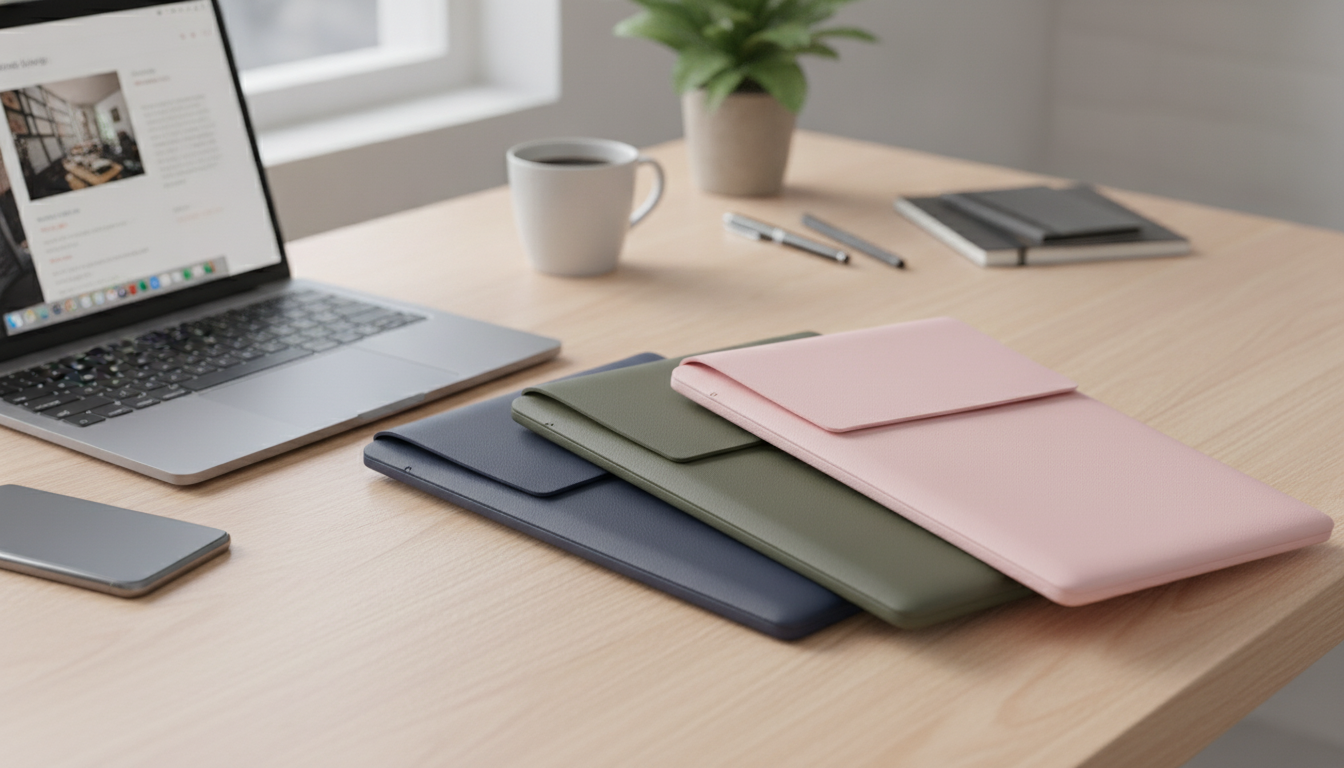
A well-fitting sleeve keeps a laptop or tablet protected from scuffs, minor bumps, and daily carry wear while staying slim enough to slip into a backpack or tote. This guide breaks down sizing, materials, protection features, and care tips for choosing a 13–16 inch sleeve bag that matches how devices are carried day to day.
What a Sleeve Bag Protects (and What It Doesn’t)
A sleeve bag is designed for everyday friction and light bumps—the kind of wear that happens when a device moves from desk to meeting room, home to class, or gate to rideshare.
- Helps prevent scratches, corner wear, and cosmetic damage from zippers, keys, and friction inside larger bags.
- Provides light impact buffering for small knocks during commuting, desk-to-meeting moves, and travel transitions.
- Reduces dust and grit exposure around ports and edges when devices are stored between uses.
- Not a replacement for a hard case against major drops or crushing pressure; careful packing still matters (avoid heavy objects pressing directly on the device).
If a backpack gets packed tight, the sleeve is only one layer of defense. Keeping chargers, power banks, and metal accessories in separate pockets helps prevent “pressure points” that can mark a screen or dent a corner.
Sizing for 13–16 Inch Devices: Getting the Fit Right
“13-inch” or “15.6-inch” describes the screen diagonal, not the laptop’s full footprint. Bezels, aspect ratio, and chassis design can change real-world dimensions more than most people expect. A quick reference on how screen size relates to overall size is explained by CNET.
- Use the device’s actual length, width, and thickness rather than relying only on the diagonal screen size.
- Aim for a snug fit that slides in smoothly; too tight stresses seams and corners, while too loose allows shifting that can increase edge dings.
- If the device has a snap-on shell case, keyboard cover, or thick skin, account for added thickness—especially around corners.
- For tablets with a folio or keyboard case, measure with the case installed so the sleeve remains usable.
- A zipper path should clear device corners easily; a tight zipper curve is a common cause of corner scuffs.
Quick fit-check checklist
| Check | Good sign | Warning sign |
|---|---|---|
| Insertion/removal | Slides in with light resistance | Needs force or catches at corners |
| Side-to-side movement | Minimal shift when shaken gently | Device slides and thumps inside |
| Corner clearance | Corners pass zipper area cleanly | Corners rub or snag on zipper track |
| Thickness | Sleeve closes without bulging | Zipper strain or seam stretching |
If you’re unsure of your exact model, device support pages can help confirm what you own before you measure. For example, Apple explains how to identify your Mac model details here: Apple Support.
Materials and Build Details That Matter
Two sleeves can look similar online but feel very different in daily use. Small build details often decide whether a sleeve stays sleek over time or starts showing wear quickly.
- Outer fabric: For commuting, choose abrasion-resistant materials. A smoother surface slides into backpack compartments easier and tends to pick up less lint.
- Inner lining: A soft lining helps reduce micro-scratches on aluminum and coated finishes. Rough interiors matter most when carrying a device without a hard shell.
- Padding: Even, consistent padding across panels protects better than thick padding in only one area. Corner reinforcement is especially valuable for tight commutes and crowded bags.
- Zippers and seams: A quality zipper reduces snagging. Zipper garages or flaps can help keep metal hardware from contacting the device during insertion.
- Water resistance: Light water resistance helps with splashes and drizzle, but it’s still best to avoid soaking conditions and wipe moisture promptly.
A practical test: run a fingertip around the inside zipper track. If it feels sharp, the sleeve may be more likely to scuff corners—especially when you’re sliding the device in one-handed during a busy day.
Everyday Carry Scenarios: Matching the Sleeve to How It’s Used
Choosing a sleeve is easier when you picture how you actually carry your device—not how you wish you carried it.
- Backpack carry: A slimmer sleeve helps the device glide into a laptop compartment. Prioritize low-bulk padding and a smooth exterior so it doesn’t snag on backpack lining.
- Hand-carry between rooms: A sleeve bag format adds grip and coverage, reducing accidental slips that happen when carrying a bare device by the edge.
- Work/coffee shop rotation: Fast open/close matters. A lining that doesn’t shed fibers keeps quick setup and pack-down clean—especially around ports.
- Travel days: Look for corner protection and a zipper that won’t catch when moving through security bins or when you’re repacking in a hurry.
For the most consistent protection, treat the sleeve like a “device-only zone.” Keep pens, keys, and chargers in separate pockets so the sleeve isn’t asked to buffer sharp or heavy items pressed against the laptop.
Featured Option: Laptop Tablet Sleeve Bag 13–16 Inch
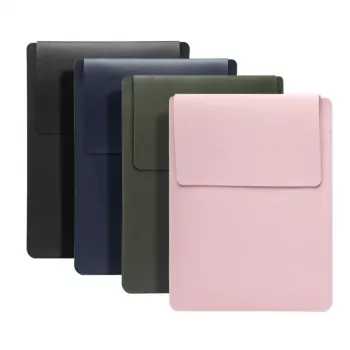
If you want everyday protection without turning your bag into a brick, the Laptop Tablet Sleeve Bag 13-16 Inch is a simple, practical option for routine carry.
At-a-glance details
| Item | Details |
|---|---|
| Product | Laptop Tablet Sleeve Bag 13–16 Inch |
| Price | 4.97 USD |
| Availability | In stock |
More In-Stock Accessories
- Corduroy Fabric Strap for Apple Watch
- milanese-magnetic-stainless-steel-band-for-apple-watch
- premium-leather-strap-for-apple-watch-49mm-45mm-44mm-41mm-40mm
Care Tips to Keep a Sleeve Looking New
FAQ
How big should my laptop sleeve be?
Measure your laptop’s length, width, and thickness (not just the screen size) and choose a sleeve that’s slightly snug but still lets the device slide in and out smoothly. If you use a snap-on case, skin, or keyboard cover, measure with it installed so the sleeve doesn’t end up too tight.













Leave a comment